Our Grid System
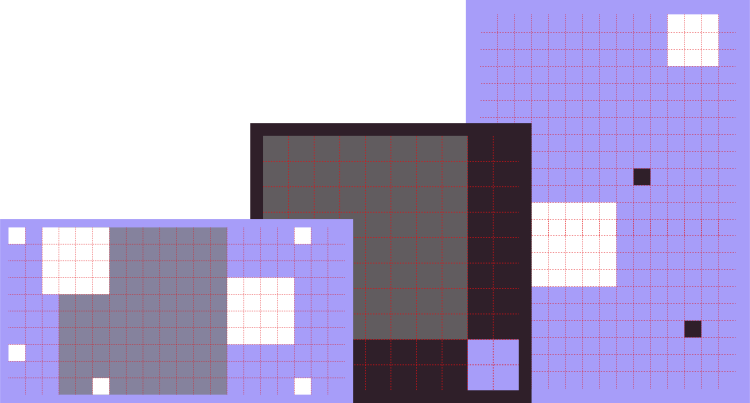
This system allows for a high level of flexibility across all assets. The squares within the system can be re-positioned, multiplied or enlarged to suit the requirements of the asset.
The margin is always 5% of the shortest format edge, and the system of squares should sit comfortably within this.
Grid system
Landscape Format
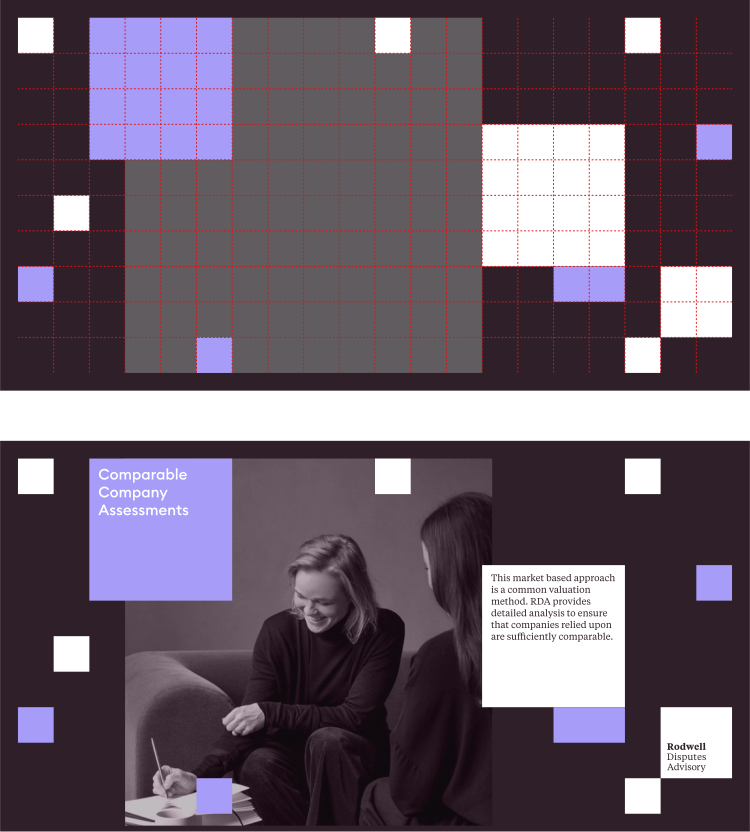
The grid provides the minimum square size but also allows for larger containers to house text.
If your design needs a square format then that is also fine.
Grid system
1x1 Format
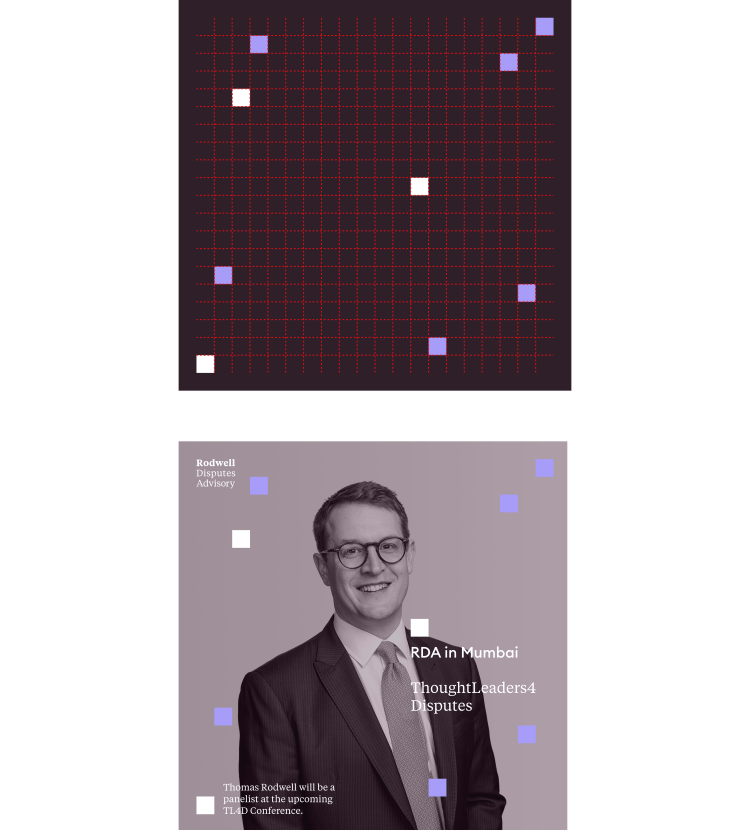
The grid here is finer which allows for smaller squares to be used if required. If your design needs a 2x2 (or larger) square then that is also fine.
Brand Application
How to apply the brand – Landscape
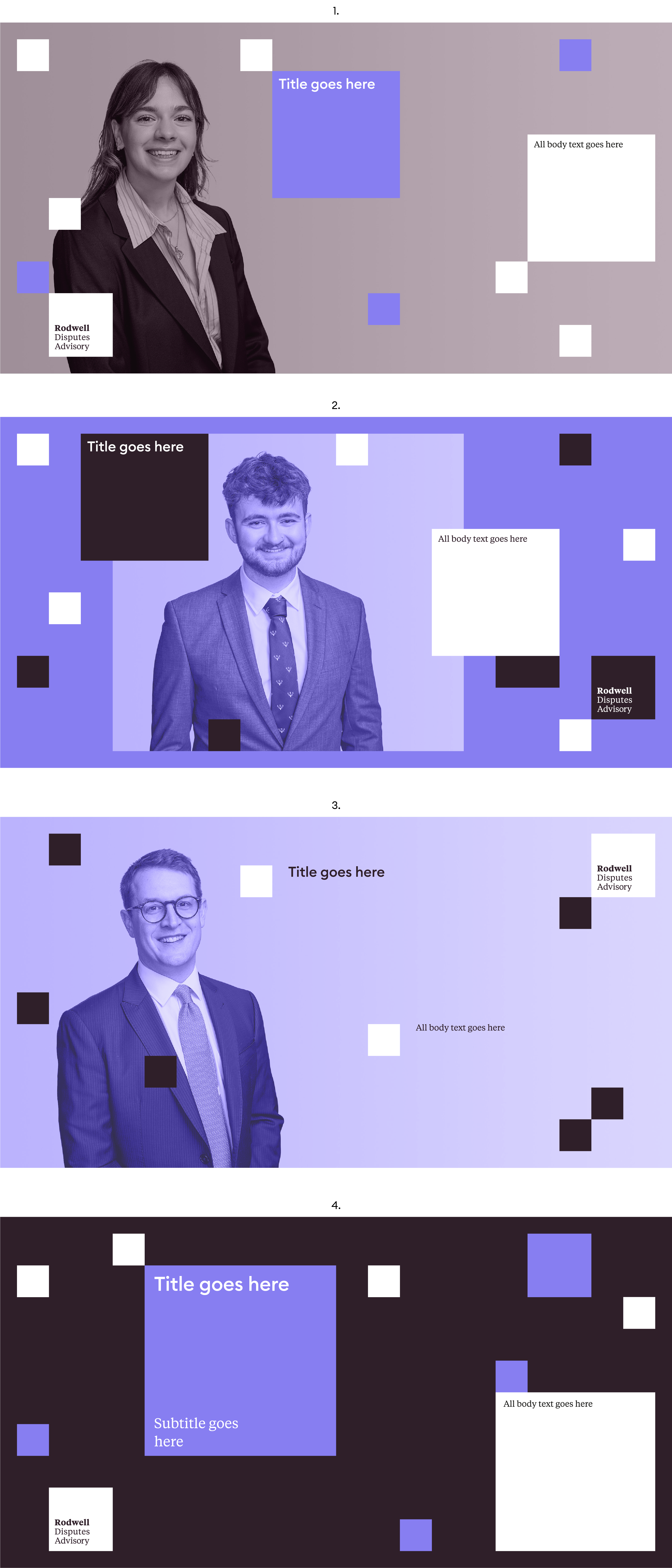
There are four ways in which to apply RDA's identity to assets (these examples are Linkedin Landscape format):
1. Full bleed image, the text is contained.
2. Image and text are contained.
3. Full bleed image, the text is aligned with the square.
4. No image, the text can be contained or aligned with the square (See no.3).
Brand Application
How to apply the brand – 1x1
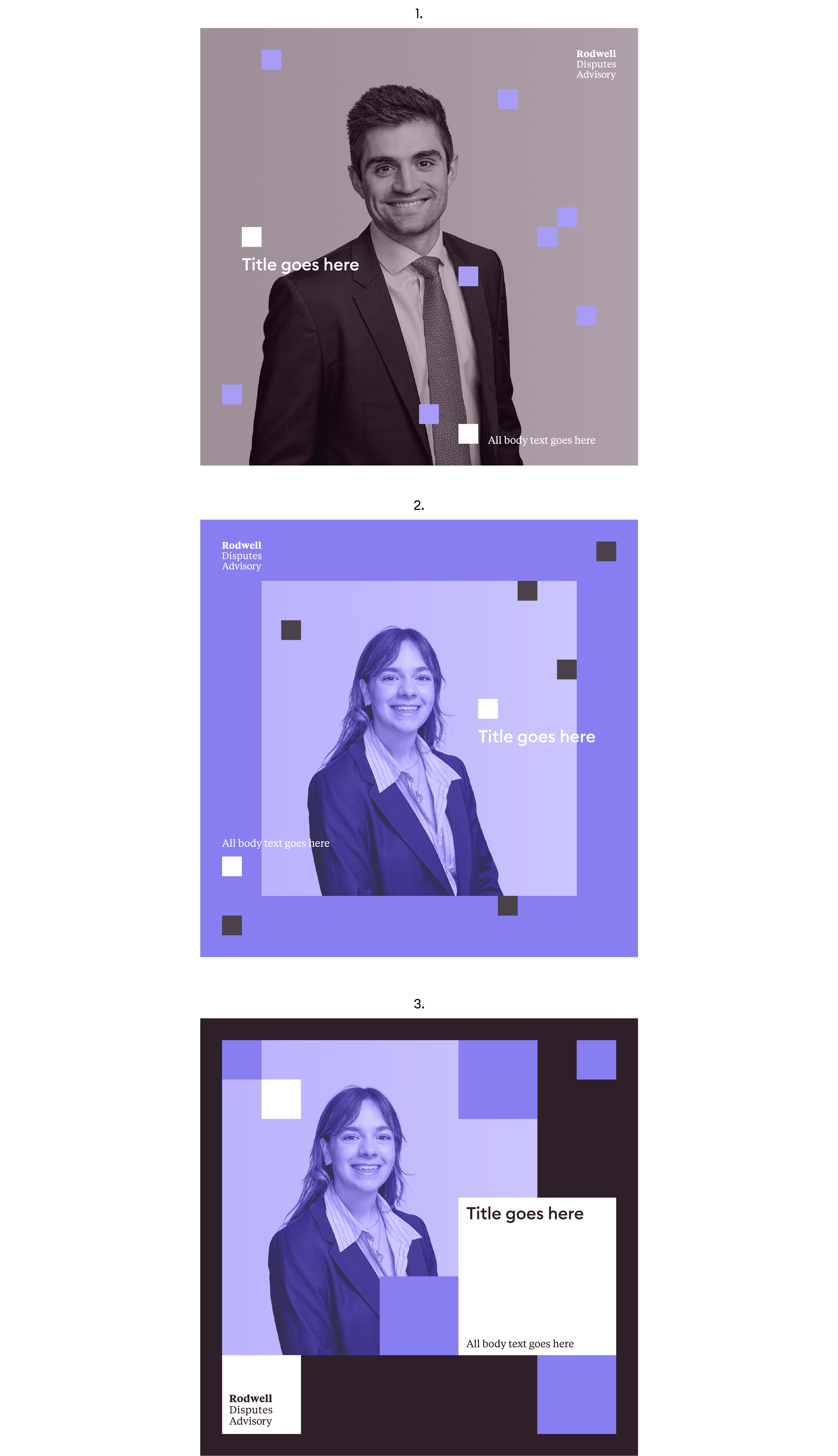
Using 3 of the 4 methods to apply RDA's brand, we see how the system can flex between simple and more energetic.
1. Full bleed image, the text is aligned with the square.
2. The image is contained, and the text is aligned with the square.
3. Image and text contained.